Rescreen / Sales demo video
Record a sales demo for one prospect
Show a prospect how your product solves their problem, in a short video they can watch any time.
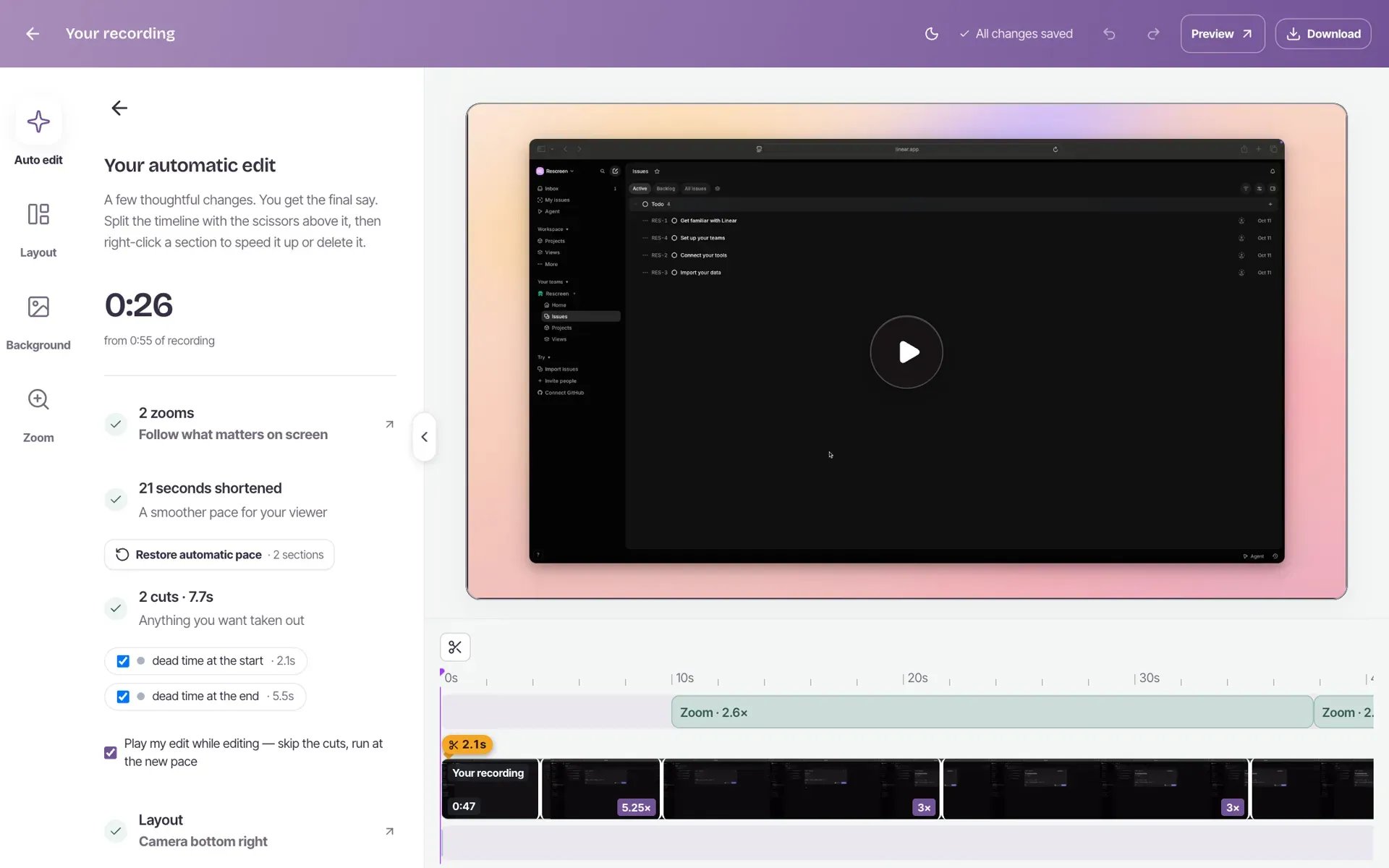
How to record a sales demo
Everything happens in one Chrome or Edge tab.
Record their use case
Open your product on the prospect's own case, press Start recording, and share the screen with your camera on.
Stumble, and say it again
When you stop, Rescreen cuts the first try, the filler words and the pauses, and zooms in on what you click. Change anything in the editor.
Send the link
Turn sharing on, copy the link and put it in your follow-up email. The prospect watches in their browser, with no account.

Made for one prospect, not a thousand
A video sent to a long list is easy to ignore. A video made after a real call, on the prospect's own problem, is one they asked for.
Record it on their data, use their words for the problem, and keep it to a few minutes. If a take goes wrong, keep talking and say it again: the first try is cut when you stop.
Know when they watch
Viewer analytics on Pro show, for each shared video:
- How many people watched, and how much of it
- Where most of them stopped, and what you were saying there
- Who watched, for viewers signed in to Rescreen
- How many are watching right now
If they stop at the price, you know what to talk about on the next call. Pro is $10 a month billed $120 yearly, or $20 monthly.
What to say in a sales demo
- Their problem, in the words they used on the call
- The two or three screens that solve it, and nothing else
- One clear next step, such as a time for a call
Write the outline in the teleprompter and check its length with the script timer. The guide to recording a product demo goes into more detail.
Compared with Loom and Vidyard
For one seller, billed yearly, checked 12 November 2026 on each company's pricing page. Rescreen is our product.
| Feature | Rescreen | Loom | Vidyard |
|---|---|---|---|
| Price | Free, or $10 / month on Pro | $15 / month on Business, $20 with AI | $59 / month on Starter |
| Free plan | Recordings up to five hours, 2 GB of storage | 25 videos, up to five minutes | 5 videos a month, up to 30 minutes |
| Retakes and filler words | Cut when you stop, on every plan | Filler words and silences removed on Business + AI, when you run it | Trim and stitch |
| Zoom on clicks | Added when you stop, on every plan | Not listed | Not listed |
| Viewer analytics | On Pro | Viewer insights, and asking for an email to view, on Business | From Starter |
| CRM integrations | None | Salesforce, on Enterprise | From Teams |
Sources: Loom pricing, Vidyard pricing and Rescreen pricing. More in Rescreen vs Loom and Rescreen vs Vidyard.
Frequently asked questions
Is it free?
Yes. Recording, the automatic edit, the editor and sharing by link are free, with no card. Viewer analytics, downloads and team spaces need Pro, at $10 a month billed $120 yearly, or $20 monthly.
Can prospects watch without an account?
Yes. Anyone with the link can watch in their browser, and leave a comment, without signing up or installing anything.
Can I see who watched?
On Pro, yes. You see how many people watched, how much of the video they saw, and where most of them stopped, with what you were saying at that moment. Viewers who were signed in to Rescreen are listed by name; everyone else is counted without a name.
Can I add the video to an email?
Paste the link into your email. Apps that show link previews, such as Slack and LinkedIn, show it with a picture from the video. Rescreen does not make an animated GIF for the email.
Does it work for teams?
Yes, on Pro. Invite up to 50 people to a team space to share its videos and their analytics. Pro is priced for the space, not per person: $10 a month billed $120 yearly, or $20 monthly.
Do I need to install anything?
No. Rescreen runs in Chrome or Edge. You can record for up to 15 minutes without an account, then sign up to edit and share it; a recording is deleted after 3 days if you do not.
Does it add a watermark?
No. Nothing is drawn on your video. The page your prospect watches it on has a small Rescreen bar above the player.
Tools for your next demo
Record your next sales demo.
Send a prospect a short, edited video of their own use case.
No credit card required