How to Record a Product Demo That Shows the Value
Published by Rescreen, which makes one of the products discussed. How we source and update these guides.
To record a software product demo, choose one question a prospective customer needs answered, show the workflow that answers it and finish with an observable result. Prepare a safe sample account, rehearse the narration with the screen actions, record a short playback test, then capture and review the complete sequence. End with one appropriate next step, such as trying the same workflow or arranging a deeper evaluation.
A product demo helps someone decide whether a product fits their work. A tutorial video teaches someone to perform a task. They can use the same recorder, but they need different scripts: the prospect needs context and evidence of value before a tour of controls. This guide focuses on a recorded software demonstration, with an original fictional example you can adapt. It does not claim conversion results or a tested customer outcome.
Choose one buyer question before opening the recorder
Write the question in the viewer’s language. “Can I see which support requests have no owner?” is a stronger brief than “Show our dashboard.” The first statement identifies a problem and a result the recording can demonstrate. The second encourages a feature tour without a reason to care.
Then write the smallest visible proof. For the support example, that might be a list of unassigned requests, one assignment and the updated owner shown in the queue. Showing a new owner proves that particular change in the sample account. It does not prove shorter response times, happier customers or a reduction in staffing costs. Keep those broader claims out unless you have evidence for them.
Choose the intended next step at the same time. A homepage visitor might need a link to try the product; a teammate evaluating access controls might need a deeper demonstration with their own requirements. Do not give the viewer five competing instructions at the end. A specific next step also helps you decide which details belong in this recording and which deserve a separate follow-up.
There is no universal best demo length. Outline the necessary proof first, then remove material that does not answer the question. The script timer can help estimate narration plus screen actions, but a rehearsal remains the useful check: a sentence may be quick to read while the corresponding operation takes longer to show.
Prepare sample data that supports the claim
Use a dedicated demonstration workspace with realistic, non-sensitive examples. Populate the states needed for the story: an unassigned item, an available teammate and a final state that will be visibly different. Keep the sample small enough that the viewer can identify what changed without searching through a busy dashboard.
Login.gov’s product-demo handbook recommends a non-production environment when identity information is involved and emphasizes context for unfamiliar viewers. Its examples are mobile-focused; the same preparation principle is useful here without assuming its device instructions apply to a desktop recorder.
- Reset the opening state. Check the account role, selected workspace, filters and sample item before every take.
- Make the result easy to recognize. Use a memorable fictional item name and keep the relevant status or owner visible.
- Check hidden surfaces. Open menus and account panels during rehearsal so private addresses or unrelated customer details do not appear unexpectedly.
- Match the promised availability. If the demonstration uses a paid plan, administrator permission, configured integration or preview feature, say so when it matters.
Do not stage an unsupported product capability by manually preparing the final screen and cutting to it as though the software created it. Prepared sample data is normal; an implied automatic action that never occurred is a different claim. Explain what you prepared and show the actual operation that connects the initial and final states.
Build a script around problem, action and proof
The example below uses an imaginary support tool. It is a writing exercise, not a recording of Rescreen or a customer benchmark. Replace every label and behavior with your real product before using it.
| Beat | Picture | Narration goal |
|---|---|---|
| Problem | A sample queue with one visibly unassigned request. | Explain why the viewer is looking: they need to find work without an owner. |
| Action | Apply the relevant filter, open the sample request and assign it. | Name the action and its purpose, using the actual interface labels. |
| Proof | Return to the queue and show the updated owner. | State the result visible on screen, without inventing a downstream business outcome. |
| Next step | A clean end frame and a relevant destination beside the player. | Invite the viewer to try that workflow or examine a specific remaining requirement. |
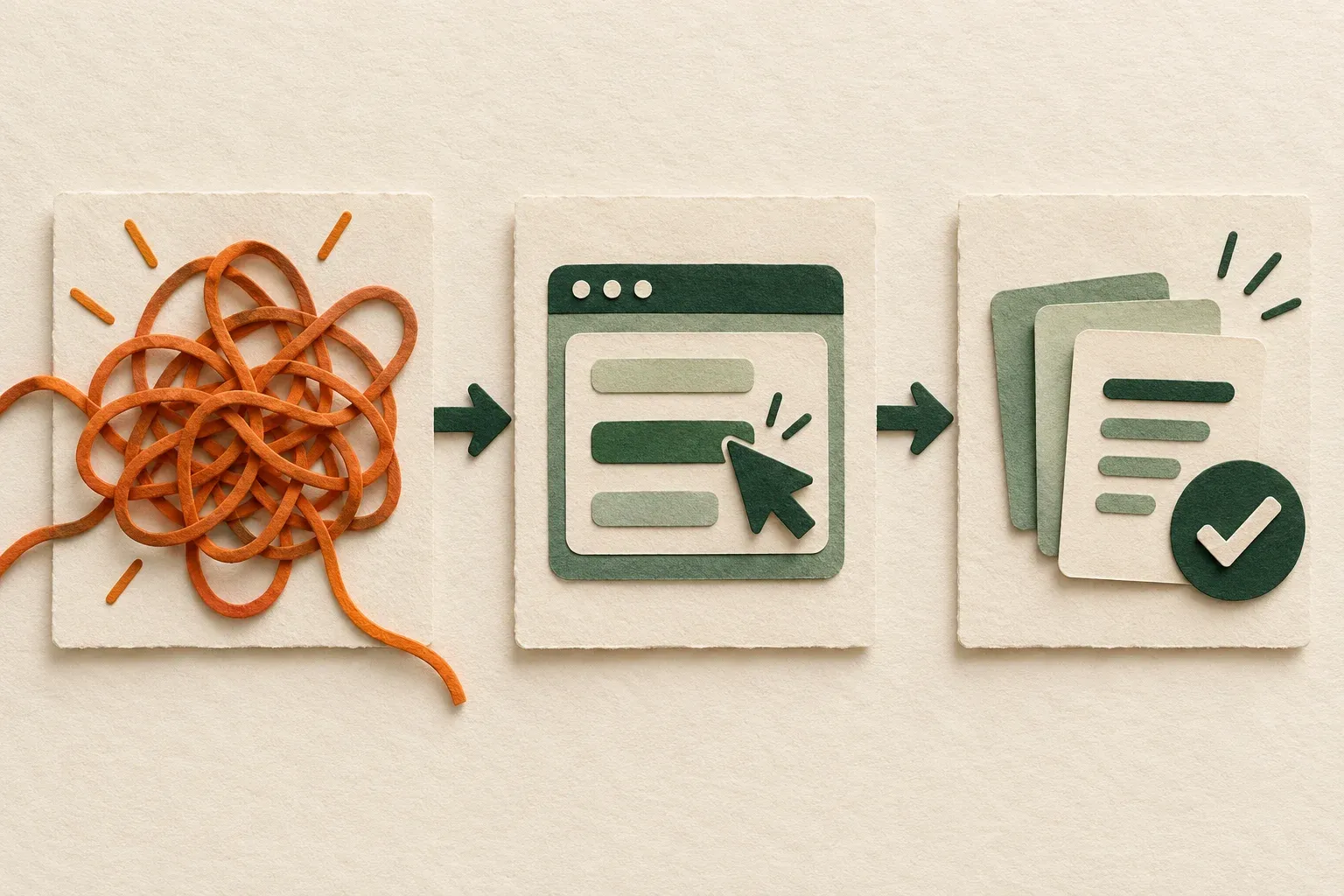
Write narration next to the screen action rather than in a separate essay. A useful line might be: “This filter isolates requests that do not have an owner.” The following action should make that statement visible. If the screen cannot substantiate a sentence, either capture the missing evidence, qualify the statement or remove that promise from the script.
Acknowledge the most important constraint before the viewer has to ask. For example, explain that assigning someone requires the appropriate role if that is true of your product. Keep detailed setup in a linked tutorial when it would interrupt the demonstration. The demo should remain understandable on its own, while making the prerequisite visible rather than concealing it.
Record one complete workflow, then inspect it
Make a short saved sample first. Speak at your normal level, move the pointer to the smallest important label and perform one action. Replay the saved result at roughly the size of the intended player. Check microphone sound, readable text and whether the captured area includes the result. The resolution guide explains why export dimensions alone do not guarantee readable software text.
For the main take, start from the documented sample state. Introduce the problem, perform the planned operation and hold the resulting screen long enough to read. Move the pointer deliberately; avoid circling controls while explaining unrelated ideas. Describe keyboard actions that are not visible. A camera introduction is optional and should not cover the labels or messages that carry the demonstration.
If you stumble, pause and repeat a complete thought while keeping the screen in a recoverable state. If you need a pickup, reset the sample item and window layout first. Otherwise a cut can make the owner, filter or selected row change inexplicably. Keep the original take so you can check what happened before editing decisions obscure the sequence.
Unexpected loading or failure is a reason to diagnose the take, not to imply a result you did not obtain. You can remove unrelated waiting from a general overview if the edit remains truthful. If speed is the claim, however, preserve the relevant timing or explicitly label the sequence as shortened. A faster playback is not evidence that the product itself is faster.
Edit for understanding without changing the claim
First check the causal sequence: the starting condition, the action and the result must still connect. Then remove repeated explanations, unrelated navigation and obvious mistakes. Keep enough time to read a confirmation or inspect a changed value. The viewer should not need to pause every second merely to understand the promised result.
Use zooms to reveal detail, then restore context before the next action. A close-up can clarify an owner label while hiding the filter that explains which records are displayed. Review both the tight frame and the transition back to the queue. Additions such as backgrounds and camera placement should support the demonstration instead of reducing the usable interface area.
Listen across every cut. A removed filler word can leave clipped speech; a removed pause can join statements that originally qualified each other. For detailed speech cleanup, use the filler-word editing guide. Keep limitations and required conditions in the finished message even if removing them would produce a shorter clip.
Use Rescreen for capture, automatic cleanup and review
You can start with Rescreen to record the screen and narration, then review its automatic cuts and zooms against your planned proof. Record the prepared workflow, inspect the edit from opening state to result, restore a meaningful pause or action if needed, and share the version that answers the buyer’s question clearly.
The useful benefit is a first edit you can review, rather than treating an untouched take as the final demo. Automatic cleanup cannot decide whether a claim is supported or whether a hidden prerequisite matters to the buyer. Check those yourself, retain the original and keep the visible result long enough to understand.
Current Rescreen plans include recording, editing and link sharing on Free; downloading requires Pro. Anyone with the shared link can watch, so use a safe demonstration workspace and an appropriate audience. If the prospect needs an authenticated private destination, choose a delivery workflow that supplies that access control rather than assuming a forwarded link is restricted.
Check the version the viewer will actually receive
Open the shared or uploaded result outside the editing view. Check the beginning, the key operation, the final proof and the end instruction. Confirm that any accompanying link goes to the intended destination and that the viewer can access it. A working video with a broken trial link is still an incomplete handoff.
Review captions when the destination supports them. Product names, permissions and negatives such as “does not” deserve special attention. Keep captions away from the controls being demonstrated and offer a short written summary beside the player. A summary also lets someone decide whether this is the demonstration they need before watching it.
For a YouTube delivery route, unlisted videos can be reshared by anyone with the link. Choose the audience deliberately. For a downloadable version, test the actual recipient’s player and keep the source, final file and any caption file clearly named. Do not assume that a successful local export proves playback everywhere.
Record the product version or interface date in your production notes and assign an owner for future updates. Recheck the demo when a label, plan boundary or workflow changes. A polished recording of a retired capability can mislead a prospect even if its image quality is excellent.
Repair a weak demo before recording more
If the demo feels unfocused, return to the buyer question. Remove a feature from the outline only when it does not support that question; move a necessary prerequisite into a concise explanation or companion guide. If the result is hard to see, improve the sample data or framing instead of adding stronger adjectives to the narration.
Ask a reviewer unfamiliar with the script to identify the problem, the action, the result and the next step. Record their specific uncertainty rather than treating a polite “looks good” as validation. That review checks whether the message is understandable; it does not establish conversion performance. Use actual buyer feedback and properly interpreted outcome data before claiming the demo improved sales.
| Reviewer cannot tell… | Repair | Check before release |
|---|---|---|
| Who the demo is for | Name the role and one concrete problem in the opening. | The reviewer can restate the buyer question without your explanation. |
| What changed | Use a recognizable sample item and keep its before/after state visible. | The action and result refer to the same item. |
| Whether the result is automatic | Show the operation or disclose the preparation and edit. | Narration does not imply that manual setup happened automatically. |
| Whether their account can do it | State the relevant plan, permission or integration requirement. | The requirement matches the current product and destination. |
| What to do next | Choose one destination appropriate to the evaluation stage. | The link opens and the next task is clear. |
Download the product-demo planning template to connect the buyer question, visible proof, script and release checks. Open the Markdown file in a text editor or paste it into your production notes. Replace its prompts with your actual product details; leave unknowns marked as unverified rather than inventing evidence.
Use the template again after review. Record which question remained unanswered and the specific shot or explanation needed to resolve it. Keep a version note with the final recording so a future teammate can distinguish the approved demo from the original take. A useful revision answers a real uncertainty instead of adding another feature simply because the recording feels short.